
We recently announced the roll out of our Modern player here.
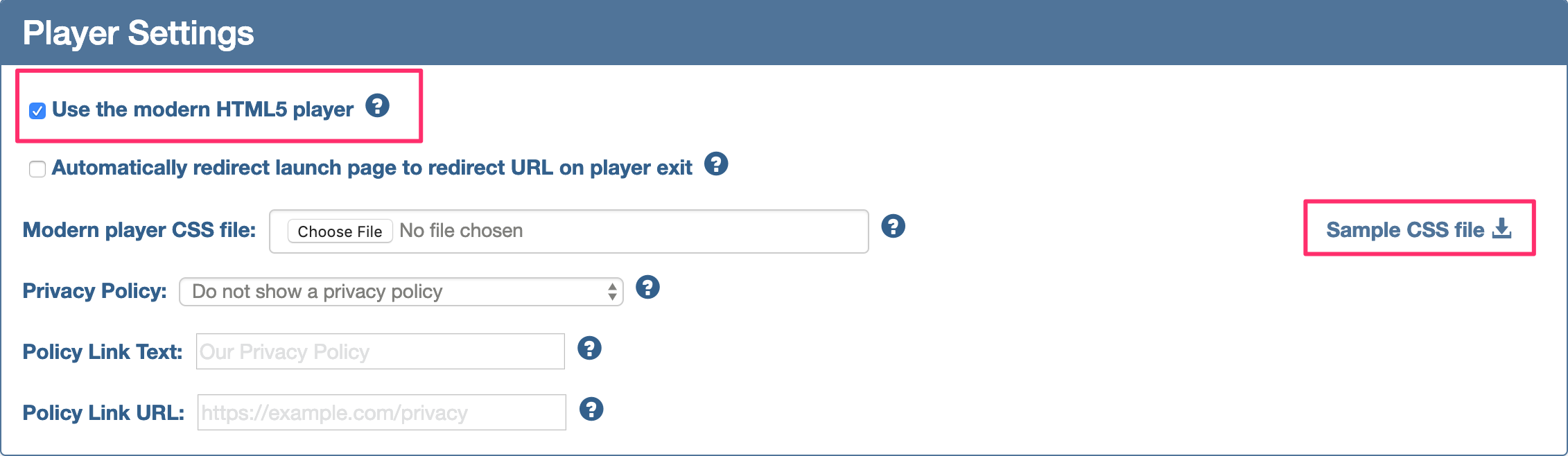
If you would like to change between Modern and Legacy you can do so via the Apps/API tab in SCORM Cloud.
1 - Click the Apps/API tab

2 - Select the Application ("SCORM Cloud" is the default application you're given when you set up an account.)

3 - Under Settings select either Legacy or Modern Player
Changing player type via the API
If you're leveraging the SCORM Cloud API and would like to change between Modern and Legacy player at Launch, you'll need to pass a parameter of `&player=modern`or `&player=legacy`
If you have any questions, please send a message to support@rusticisoftware.com